At our consultancy, we’re always looking for ways to work smarter and more efficiently, especially when it comes to the Microsoft stack.
M365 Copilot is one of those tools that’s hits both of those points and can save you hours every week. But what exactly is it, and how can it help you?
What is M365 Copilot?
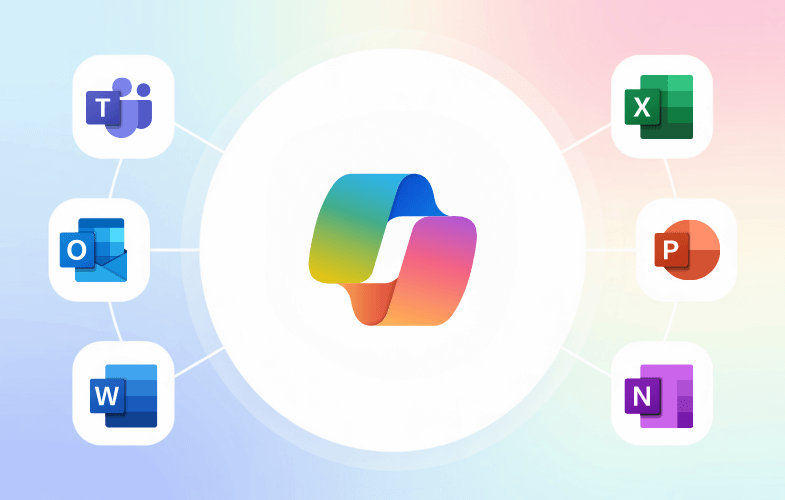
M365 Copilot is an AI-powered assistant embedded directly into the Microsoft ecosystem. Imagine having a powerful AI helper right next to you in Word, Excel, PowerPoint, Teams, and Outlook.
Its key strengths include:
– Seamless integration with Microsoft apps: It understands and leverages your existing Microsoft 365 environment.
– Enterprise-grade security: Your data remains secure and compliant
– Contextual understanding: Copilot doesn’t just execute commands, it understands context.
The ‘Work’ tab
The ‘Work’ tab in Copilot is very powerful. It’s designed to help you quickly find and interact with your meetings, emails, and files – all within the Microsoft ecosystem.
Here are some examples that we use regularly:
- Meeting Summaries:
Imagine you had a CRM onboarding meeting last month but can’t recall the exact details. Simply ask Copilot:
“Can you give me a summary of the CRM onboarding I had last month with John Doe?”
Copilot immediately provides a quick recap (if the meeting was recorded or transcribed).
- Identifying Next Steps:
Not sure what comes next after onboarding? Just ask Copilot!
“What are the next steps after onboarding?”
Copilot understands the context of that meeting and identifies actions and gives clear, actionable next steps.
- File Search:
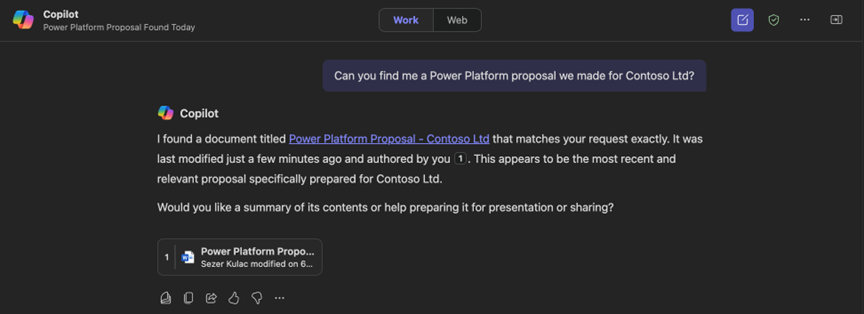
Lost track of an important Power Platform proposal? Ask Copilot, it knows all your files stored in the Microsoft ecosystem:
“Can you find me a proposal of a Power Platform app we made for Contoso Ltd last month?”
Within seconds, your document is located.
- Meeting Scheduling:
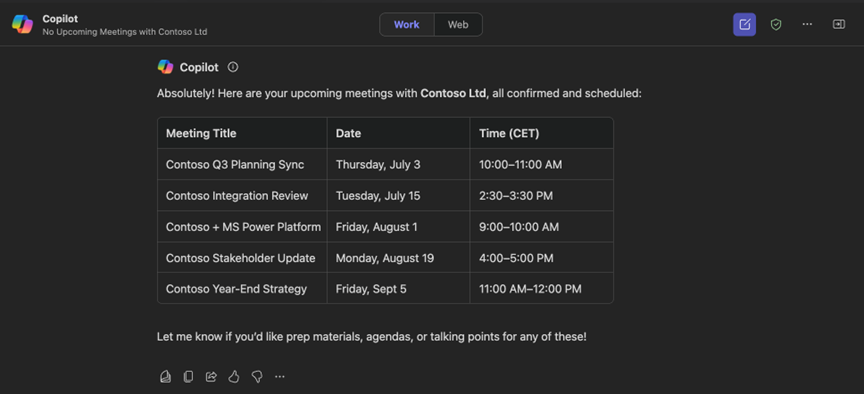
Check upcoming meetings effortlessly, no need to click around in your calendar:
“When are the next meetings planned with Contoso Ltd?”
Copilot quickly finds and lists upcoming meetings.
Copilot Across Microsoft 365 Apps
Here’s how Copilot enhances individual Microsoft apps:
Word:
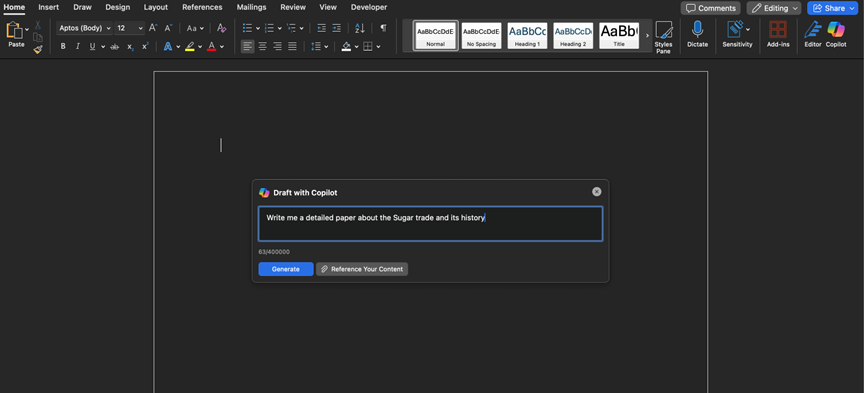
– Generate detailed reports in mere seconds, example prompt:
“Write me a detailed paper about the Sugar trade and its history”
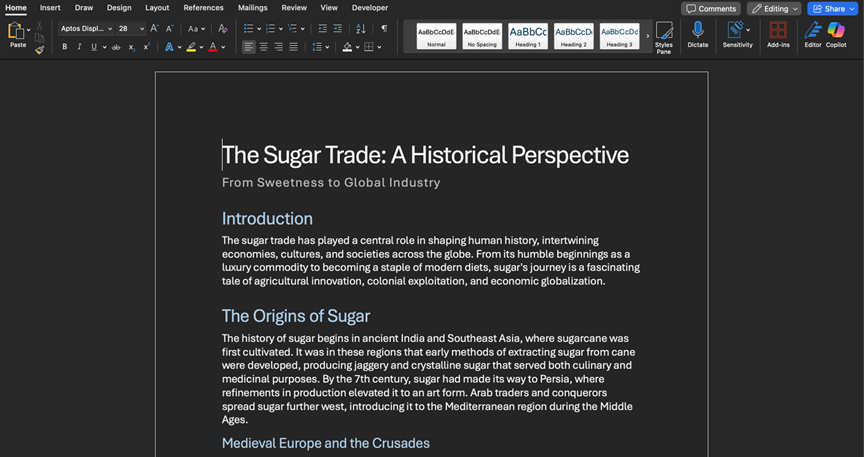
And voila, you have a detailed report on the sugar trade and its history. You can always rewrite or expand certain parts of the report with Copilot.
PowerPoint:
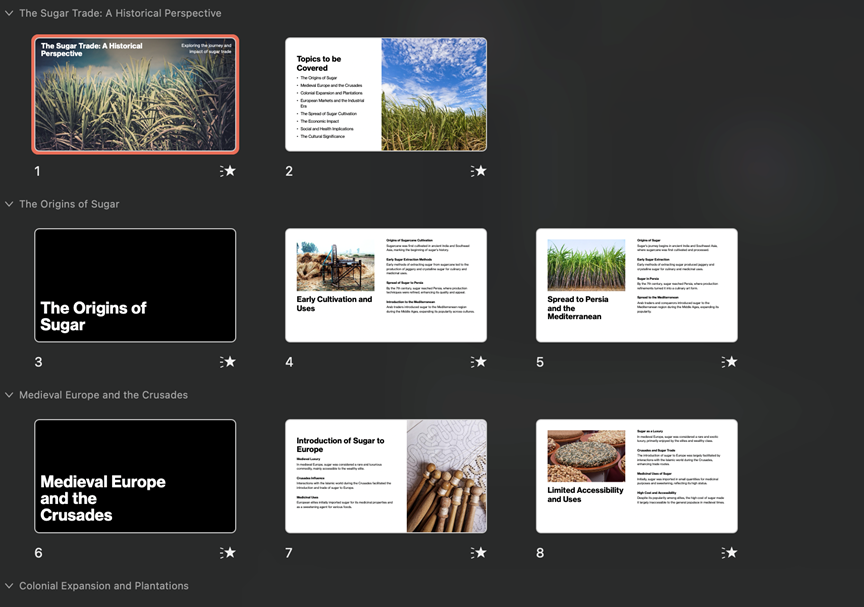
– Easily create and translate presentations based on existing Word reports or from a simple prompt

Teams:
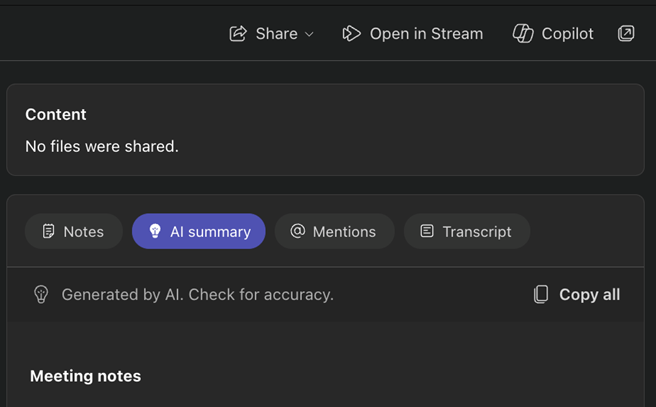
– Get automatic AI-driven notes and recaps after each recorded or transcribed meeting
– Assign tasks to team members directly from Copilot and get a follow-up list after the meeting
– Ask real-time private questions during meetings (eg. Can you give me a recap?)
Outlook:
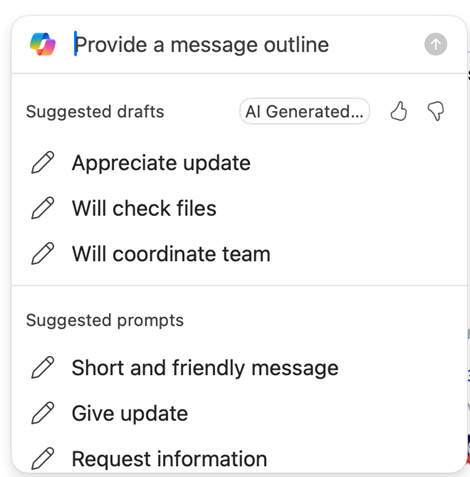
– Quickly summarize lengthy email chains with a click of a button
– Draft responses automatically, saving you valuable time

Final Thoughts
Microsoft 365 Copilot isn’t just another tool, it’s like having an incredibly efficient assistant built right into your workflow. It simplifies and accelerates tasks, making everyday work smoother and more productive.
Ready to try it out?